


Activating belonging: creating and reflecting with GenAI
Use Adobe tools to developing digital capabilities and an emergent sense of belonging within the class cohort
Clare DysonLearn more
Use Adobe tools to developing digital capabilities and an emergent sense of belonging within the class cohort

Learn how to use Covidence, a web-based platform designed for researchers to simplify and manage the entire systematic review process.
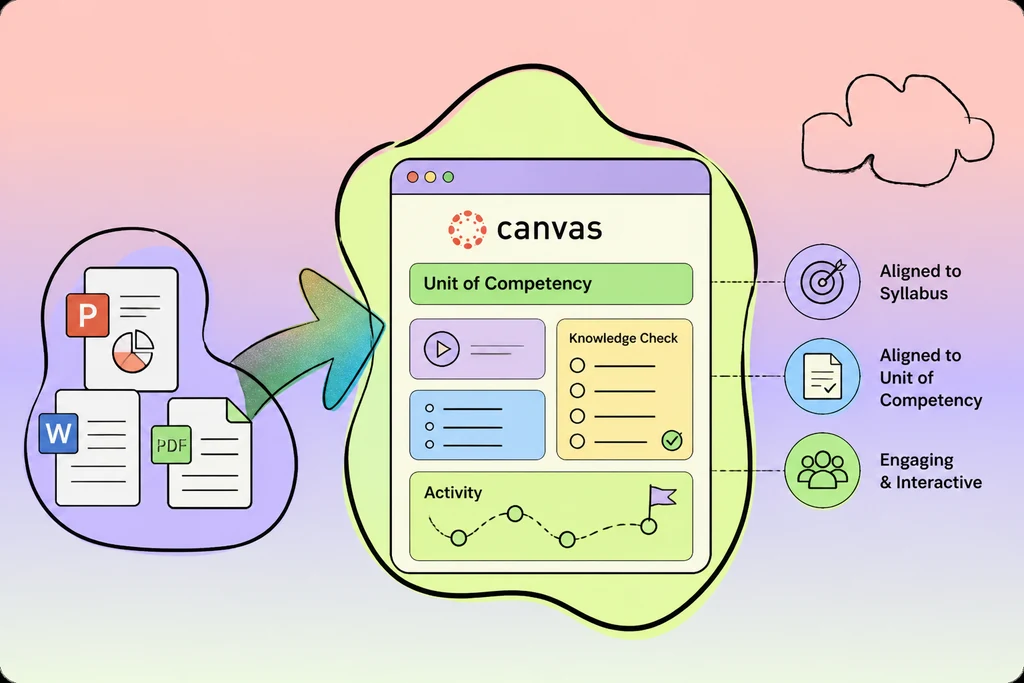
Convert your existing resources (PowerPoints, documents) into Canvas pages with interactive elements, knowledge checks, and activities; aligned to your syllabus/Unit of Competency.
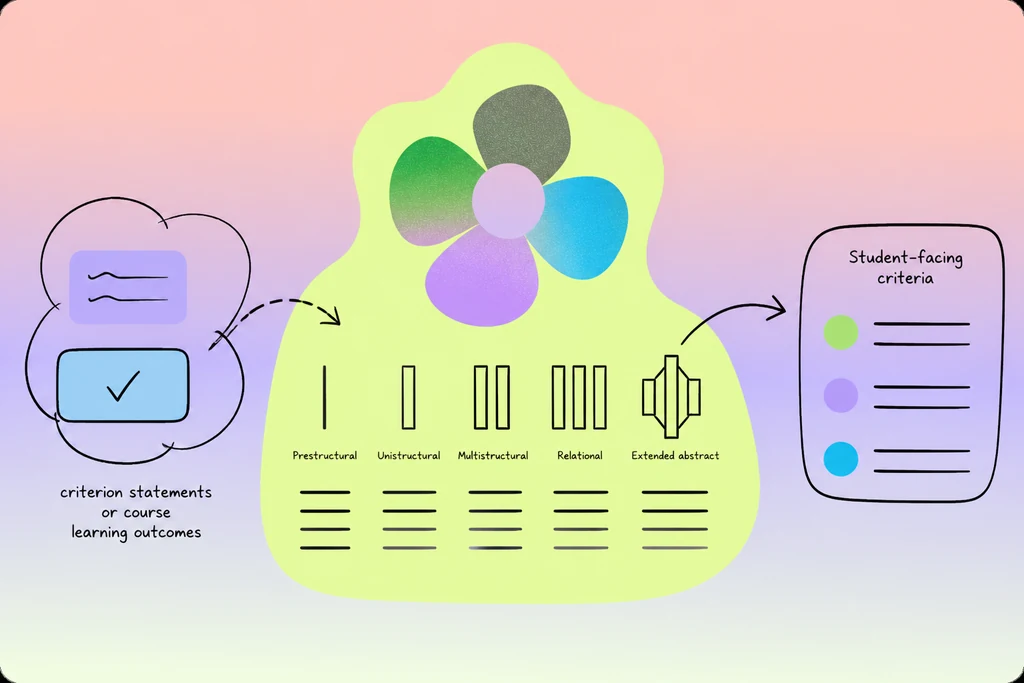
Create or enhance SOLO-taxonomy aligned rubric descriptions and student-facing criteria, from inputs like criterion statements or course learning outcomes.
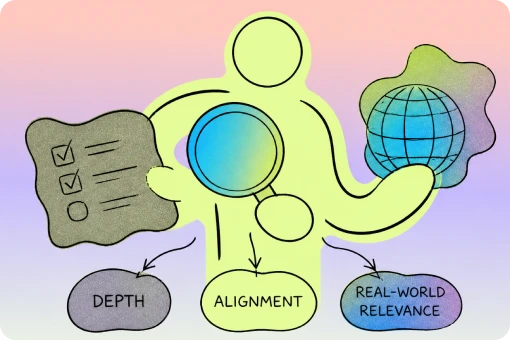
Create a Val persona to review, critique, and enhance existing assessment tasks for depth, alignment, and real-world relevance

Adapt content for different learning levels/styles
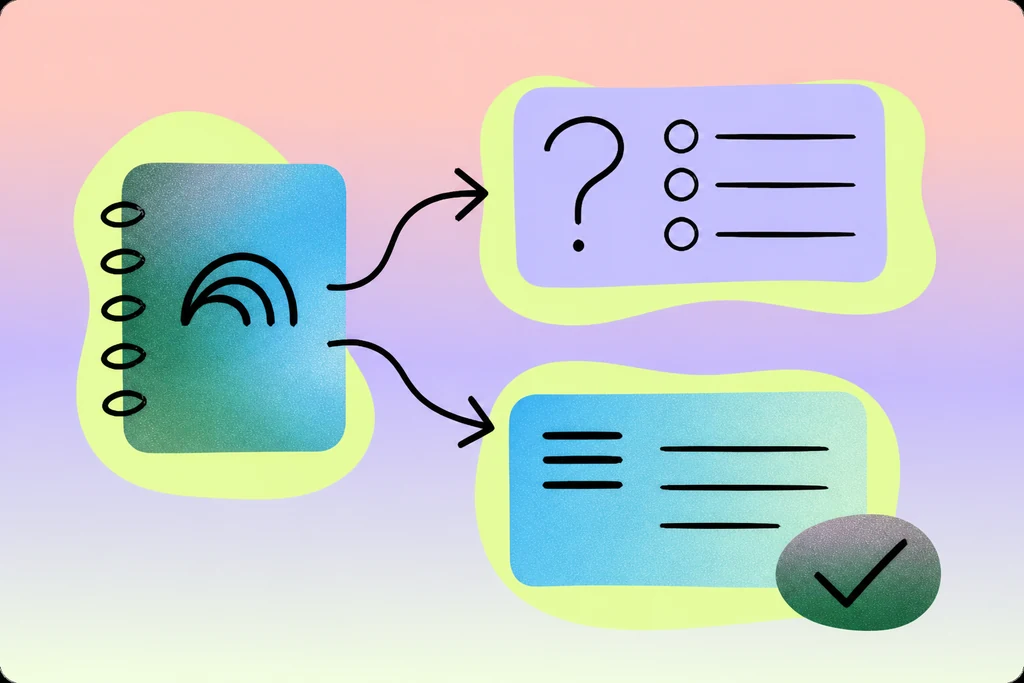
Use NotebookLM to generate knowledge-check questions and summaries
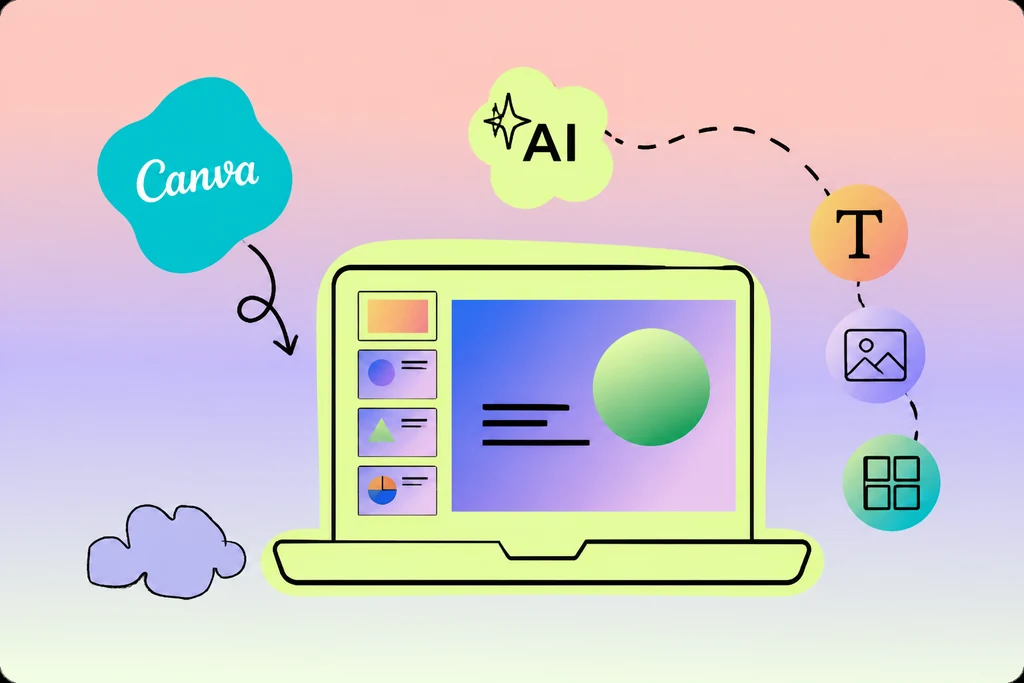
Use Canva to generate slide decks from scratch. Learn the basic functions of Canva to create and edit slides using AI.
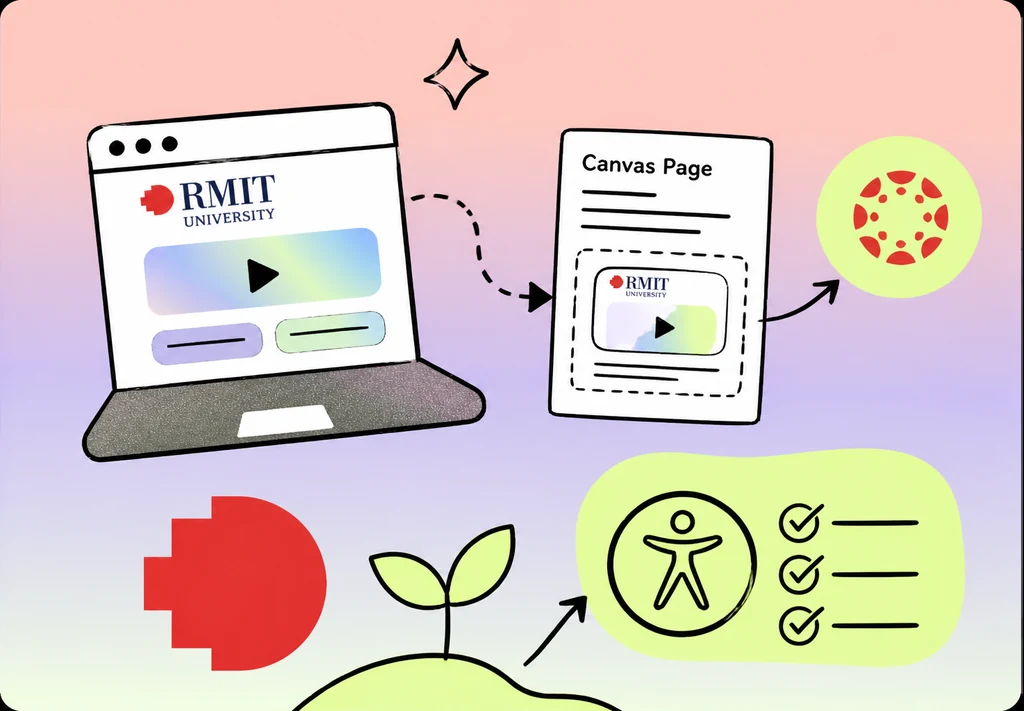
Build RMIT-branded interactive HTML learning resources with Claude, and embed them into Canvas pages while thinking about and improving accessibility.
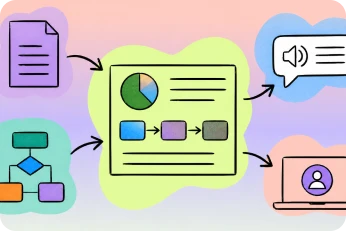
Generate visual explainers (diagrams, infographics, flowcharts), improve accessibility with screen-reader friendly descriptions, and embed them into Canvas.

Use Val personas to strengthen assessment instructions for clarity and completeness.
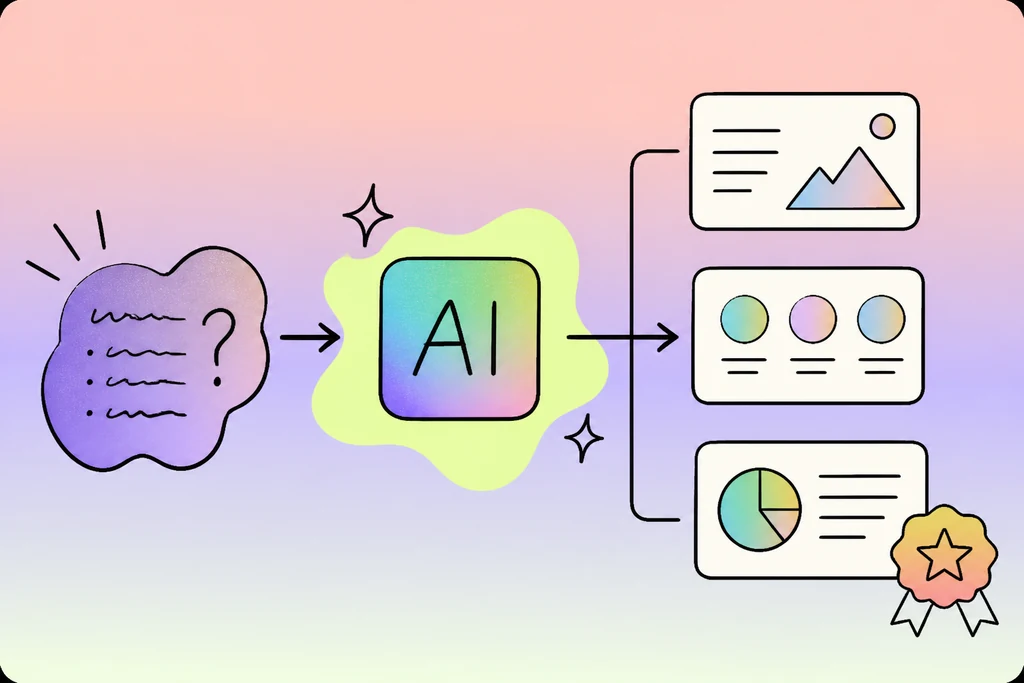
A process for creating high quality presentations with any AI tool that supports generating slides (e.g. Claude, ChatGPT, Gemini)
Three reliable ways to make a poster, infographic, or illustration with GenAI, focusing on tools within the Adobe suite (available RMIT-wide)

Make your materials clearer, more accessible and easier for students to follow.